 Walti
WaltiA budget app for iPhone that never connects to your bank
Walti is an expense tracker you fill in yourself. There's no bank login, no account to create, and it works offline. You note what you spend, set a monthly budget, and see where the month is going.
Adding an expense
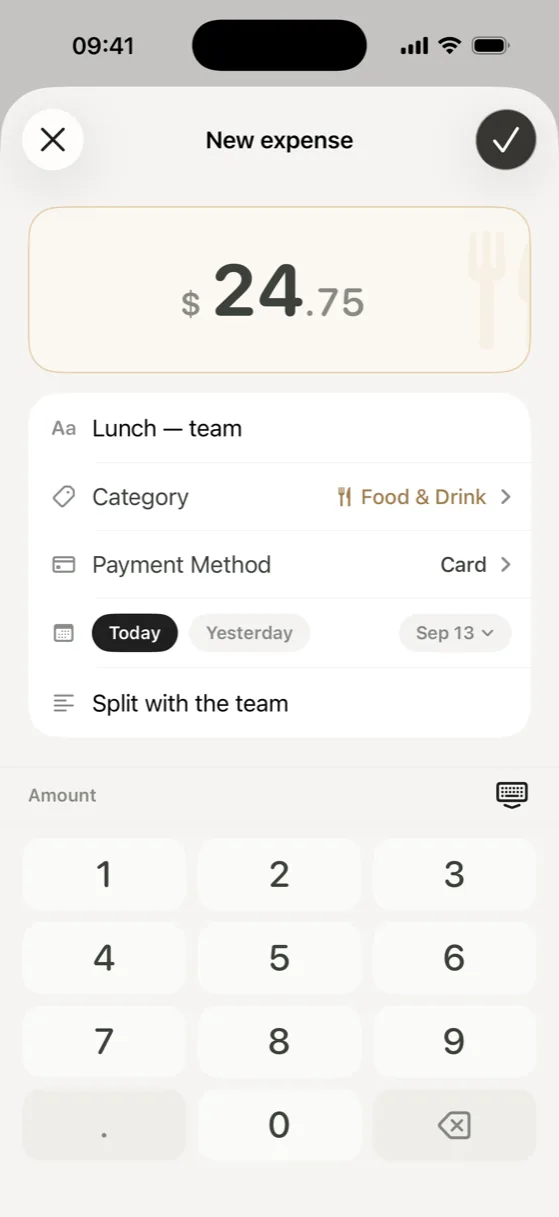
Only the amount is required. The category starts on Other until you pick one, and a title, date, payment method or note are there when you want them. Holding the + button re-logs something you buy often, and on iOS 18 or later Control Center, a Lock Screen button or the Action Button can open a new expense directly.
Rent and subscriptions are set up once, weekly, every two weeks, monthly or yearly, with an end date if they stop. When a payment is due, Walti shows it on the Overview; you confirm it or skip it, and nothing is added to your history without that tap.
Widgets
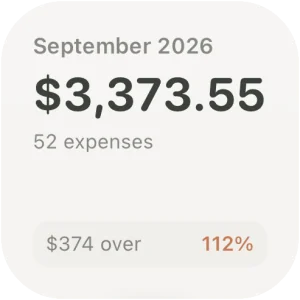
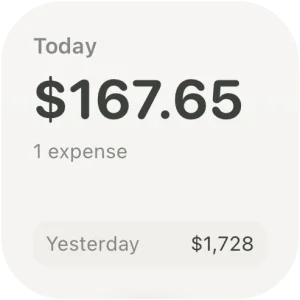
Month shows the month's total and what's left of your budget, Today shows today's spending next to yesterday's, Upcoming shows the next recurring payment, and Add Expense opens the entry screen. Month, Today and Add Expense also come in Lock Screen sizes.

Seeing where it goes
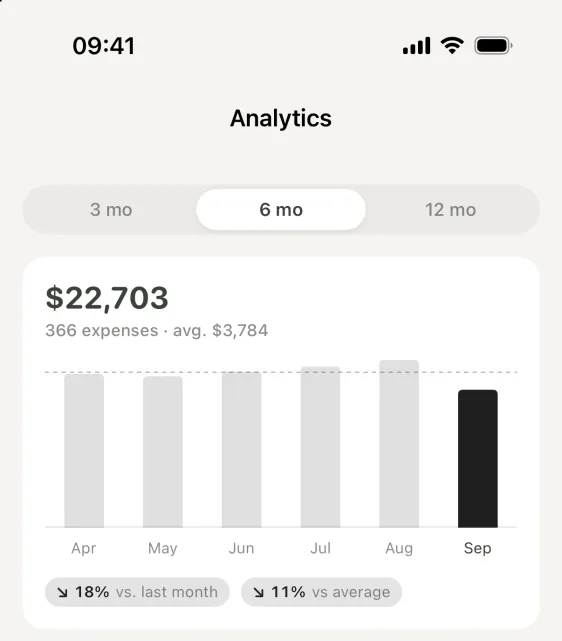
Analytics compares your months over three, six or twelve months, against last month and against your average. Premium adds the deeper half: your spending pace, a projection for the month, category trends, fixed versus flexible spending and weekly patterns.
What Walti stores, and where
Your expenses, categories and settings are saved in a database on your iPhone, shared only with Walti's own widgets. There's no Walti account or server, and the app contains no analytics or advertising code; the App Store privacy label reads “Data Not Collected”. The only purchase, Premium, goes through Apple.
To keep a copy or move to another device, export a backup file from Walti's settings and import it there. An import only adds records the device doesn't have yet, so importing the same file twice changes nothing.
Free and Premium
Free covers tracking, a monthly budget, history, the trend view, widgets, backups and three recurring expenses, with no ads. Premium is a one-time purchase that adds unlimited recurring expenses, budgets per category, your own categories and payment methods, advanced analytics and more themes. There's no subscription.
Who it suits
Walti is for people who'd rather not link a bank, who pay in cash as well as by card, or who find that writing each expense down is what keeps them honest. If you'd like every card payment to appear on its own, a bank-connected app will suit you better. For making manual tracking a habit, see how to track expenses on iPhone without linking your bank.
Nothing to connect, nothing to sign up for. Walti is free on the App Store for iPhone and iPad.
Download on the App Store